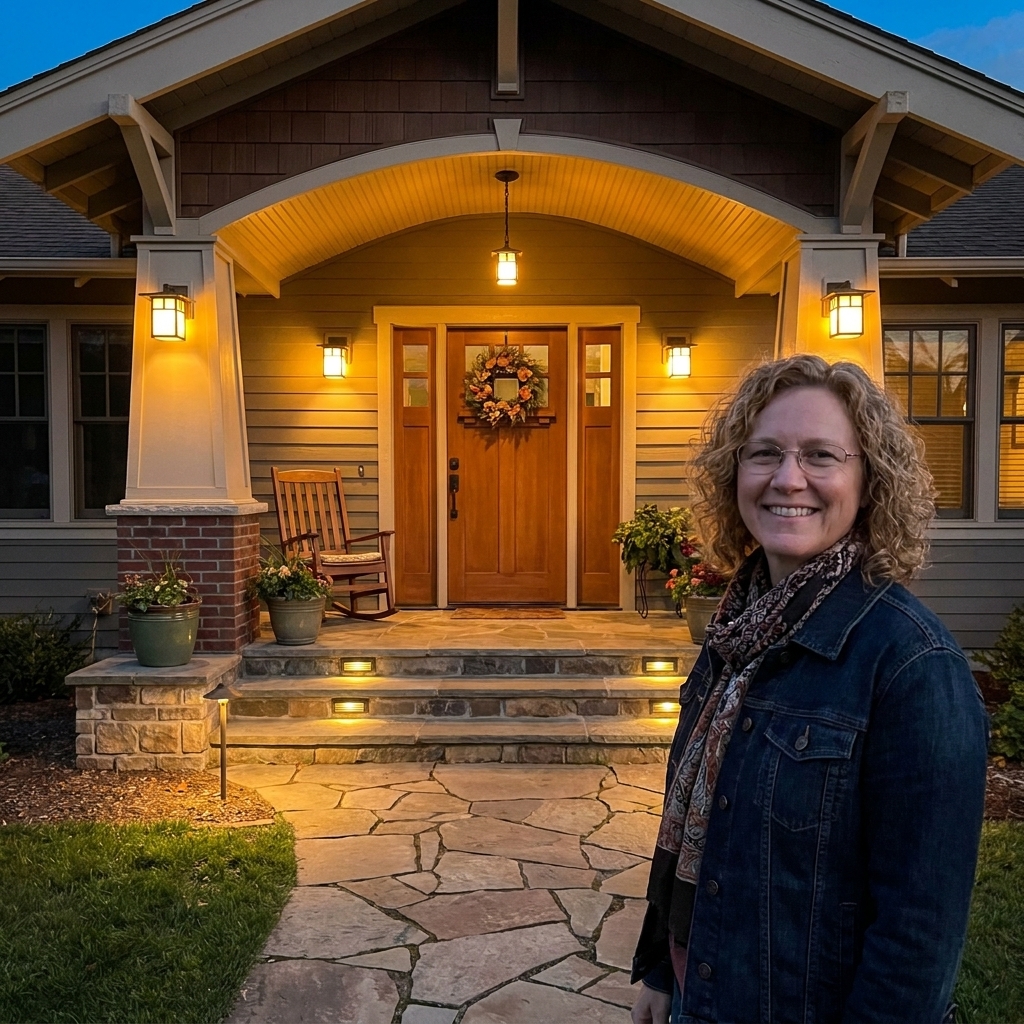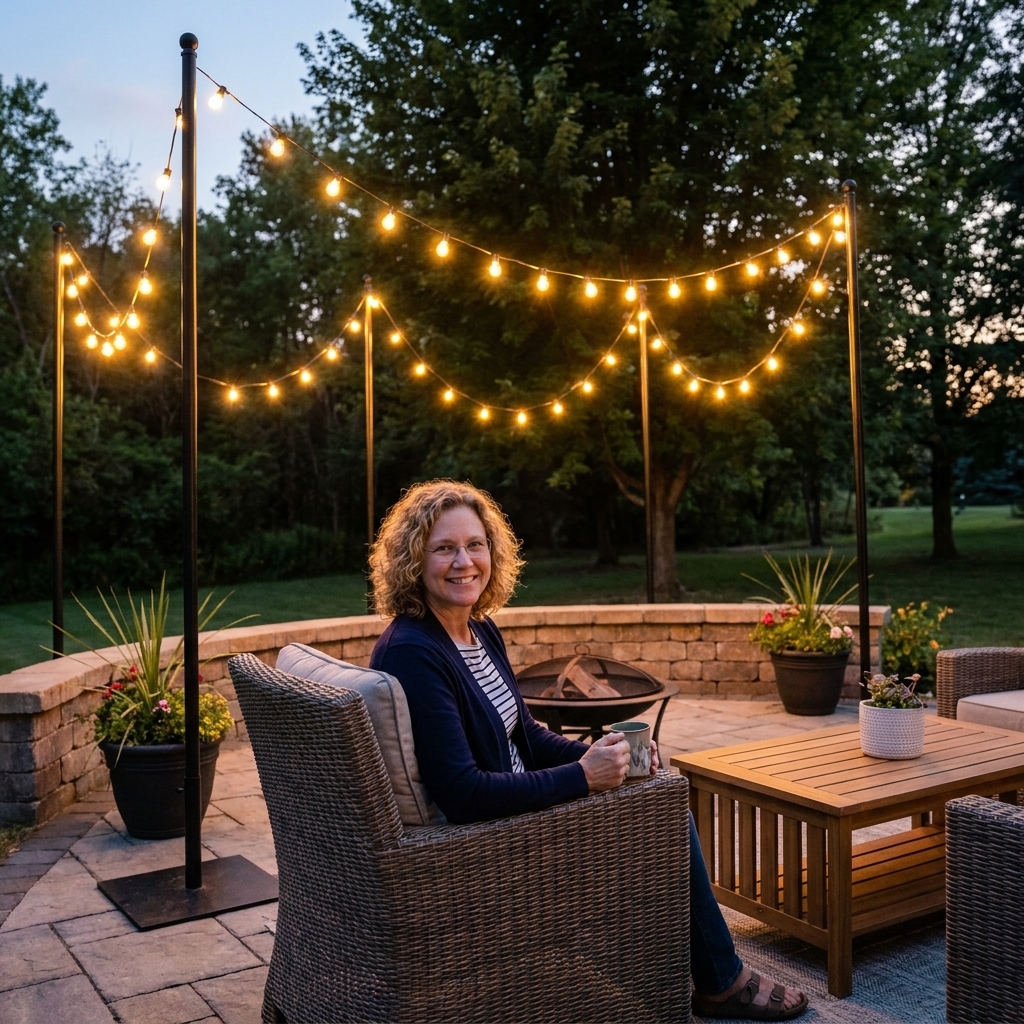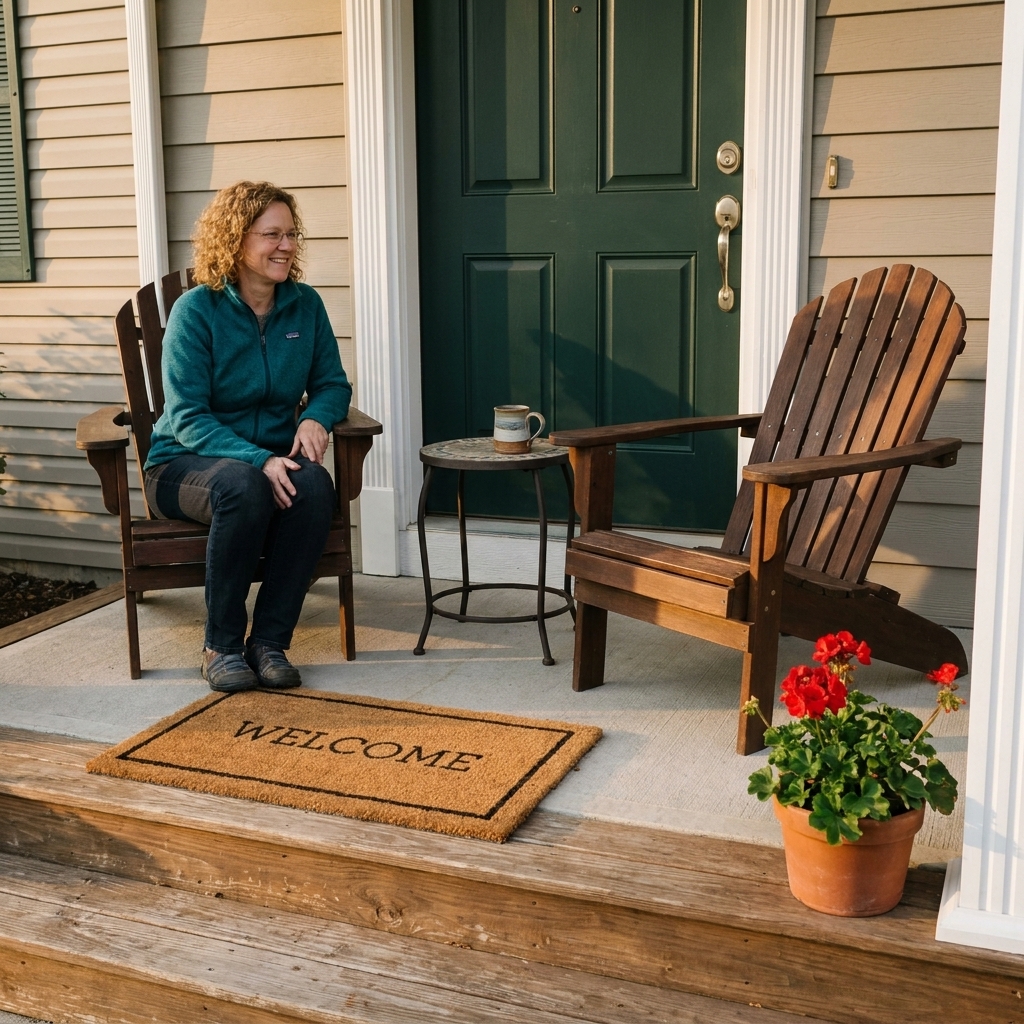
I grew up in a house where the porch light meant something. It meant someone was home. It meant the iced tea was probably already poured. And it meant you could sit outside a little longer without squinting into the dark.
Smart outdoor lighting keeps that same welcoming glow, but takes the daily switch-flipping off your plate. You can schedule your bistro lights to turn on before dinner, set a gentle pathway light for guests, or make sure the front porch looks lived-in when you are out. All from your phone, and yes, even if you are brand new to smart home stuff.

Start with the vibe you want
Before you buy anything, decide what you want your lighting to do. This helps you pick the right type of smart product the first time, instead of ending up with a box of mismatched gadgets.
- Welcome glow: porch sconces or lanterns on a schedule, plus a warm bulb temperature.
- Outdoor dining: string lights and a dimmable overhead light for the table zone.
- Safe pathways: step lights, path lights, or a few well-placed spots aimed at trip hazards.
- Late-night calm: low-level lighting that turns off automatically so you do not wake up to a blazing porch at 2 a.m.
My rule of thumb: pick one main source (sconces or string lights), then add one helper (pathway or accent). Two layers usually look intentional without becoming a runway.
Three beginner-friendly smart options
1) Wi-Fi smart bulbs (easy swap)
If you already have porch fixtures you like, smart bulbs are often the simplest upgrade. You screw them in like a normal bulb, connect them in an app, and suddenly you can set schedules, dim them, and sometimes adjust color temperature.
- Best for: porch lanterns, sconces, ceiling lights, garage coach lights.
- What to check: base size (usually E26), wet rating if the bulb itself is exposed, and whether it supports dimming.
- My cozy pick: warm white around 2700K for porches and seating areas.
One important note: smart bulbs generally should not be on a traditional wall dimmer unless the bulb and dimmer are specifically designed to work together. If your porch light is on a dimmer, consider using a smart dimmer switch instead of a smart bulb.
2) Outdoor smart plugs (the patio hero)
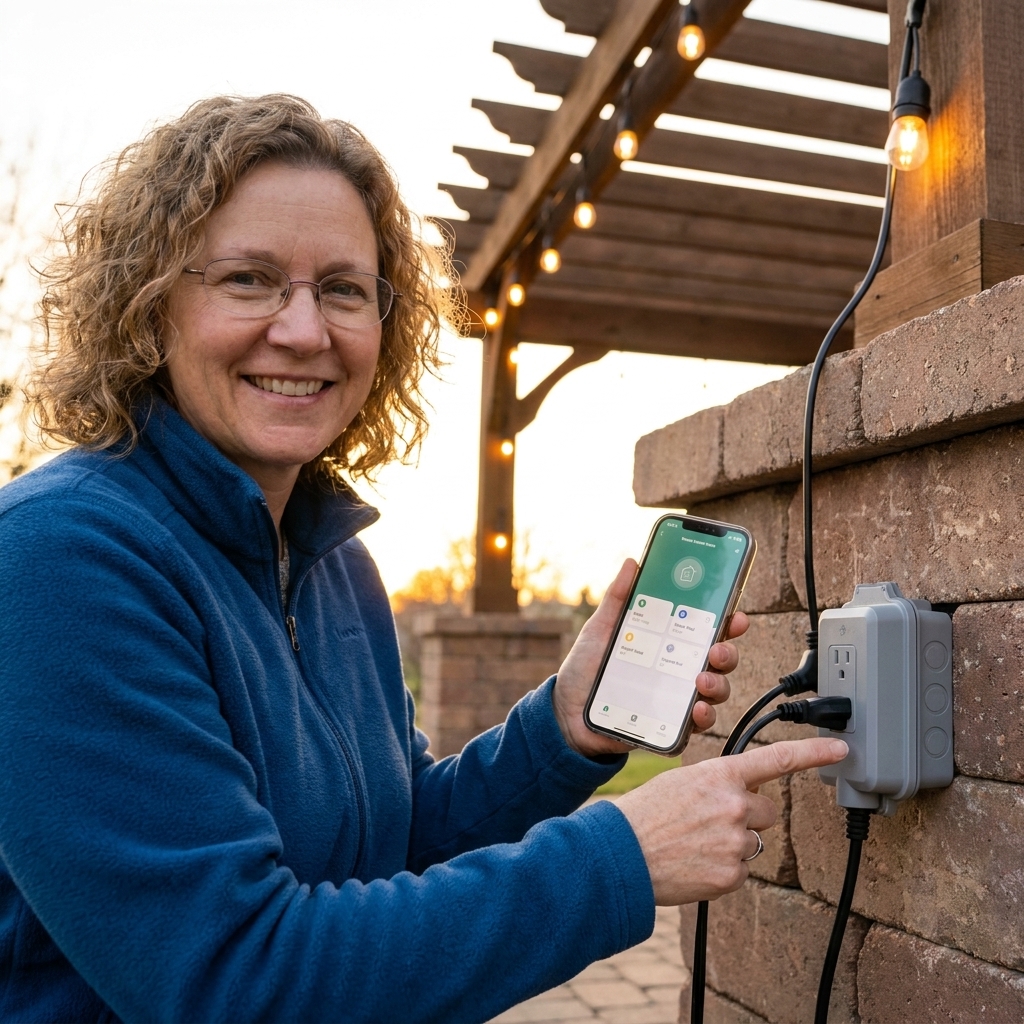
Outdoor smart plugs are my go-to for string lights, plug-in lanterns, and holiday decor. You plug the smart plug into an outdoor outlet, then plug your lights into it. That is it.
- Best for: bistro lights, rope lights, outdoor table lamps, seasonal displays.
- What to check: outdoor weather rating, number of outlets, and max wattage/amps.
- Pro tip: look for a model with a short cord so it hangs neatly and does not block the second outlet.
3) Smart switches (set-it-and-forget-it)
If you want the wall switch to stay usable for everyone in the house, a smart switch is often the cleanest long-term solution. It controls the fixture at the switch, so you can still tap the switch like normal and keep the smart features.
- Best for: hardwired porch lights you always want controllable.
- What to check: whether your switch box has a neutral wire and whether the switch is rated for the type of load (LED, dimming, etc.).
- Beginner note: if you are not comfortable working with wiring, this is the one upgrade I recommend hiring out. If you do DIY, shut power off at the breaker, confirm it is off, and follow local electrical code.
Quick compatibility tip: Some outdoor lighting uses Zigbee or Z-Wave and needs a hub. Others are Wi-Fi. Increasingly, you will also see Matter on the box, which can make it easier to mix brands across Apple Home, Google Home, and Alexa. Before you buy, check whether the product needs a hub and whether it works with the system you already use.
Outdoor ratings and safety basics
Outdoor lighting gets splashed, baked, frozen, and soaked. The smart part is fun, but the outdoor rating is what keeps it reliable.
- Look for wet or damp ratings: Wet is for direct rain exposure. Damp is for covered porches where moisture happens but rain does not hit directly.
- Use GFCI outlets outdoors: many patios already have them, but confirm. If your outlet has Test and Reset buttons, you are in good shape.
- Use a weatherproof in-use cover: especially if a smart plug will be left plugged in all season. (This is the bubble-style cover that closes over cords.) Many outdoor smart plugs are designed to fit under these covers, but it is still worth checking dimensions.
- Do not overload outlets: string lights are usually low wattage, but high-draw gear can add up quickly. Check the plug’s max rating and the item you are plugging in.
If you are ever unsure, keep it simple: automate lights, and leave high-draw appliances out of your plan unless the device is explicitly rated for that use.
Before you set anything up
Most setup frustrations come from two things: Wi-Fi reach and mixing incompatible systems. A quick prep makes everything smoother.
Check your Wi-Fi where the lights will live
Stand on your porch or patio and look at your phone’s Wi-Fi signal. If it is weak, consider a mesh Wi-Fi point near an exterior wall. Reliable signal beats fancy features every time.
Pick a home for your devices
Smart products typically live in one of these ecosystems: Apple Home, Google Home, Amazon Alexa, or the brand’s own app. If you already use one, lean into it. If you are starting from scratch, choose one and keep your first few devices consistent.
Make sure you have the right network
Many outdoor smart plugs and bulbs use 2.4 GHz Wi-Fi. That is normal. If your router combines 2.4 and 5 GHz under one network name, setup sometimes works, but band steering can confuse 2.4-only devices. If you hit connection issues, splitting SSIDs or temporarily disabling 5 GHz or band steering during setup often helps.
Simple setup: smart plug + string lights
If you want the biggest cozy payoff for the least effort, start here.
- Hang your lights first. Get your spacing right before you involve any apps.
- Plug in the outdoor smart plug. Make sure the outlet cover can still close properly.
- Connect in the app. Follow the pairing steps, then name it something obvious like Patio Bistro Lights.
- Test on and off. If there is a delay or it drops offline, check Wi-Fi signal and reposition the plug if possible.
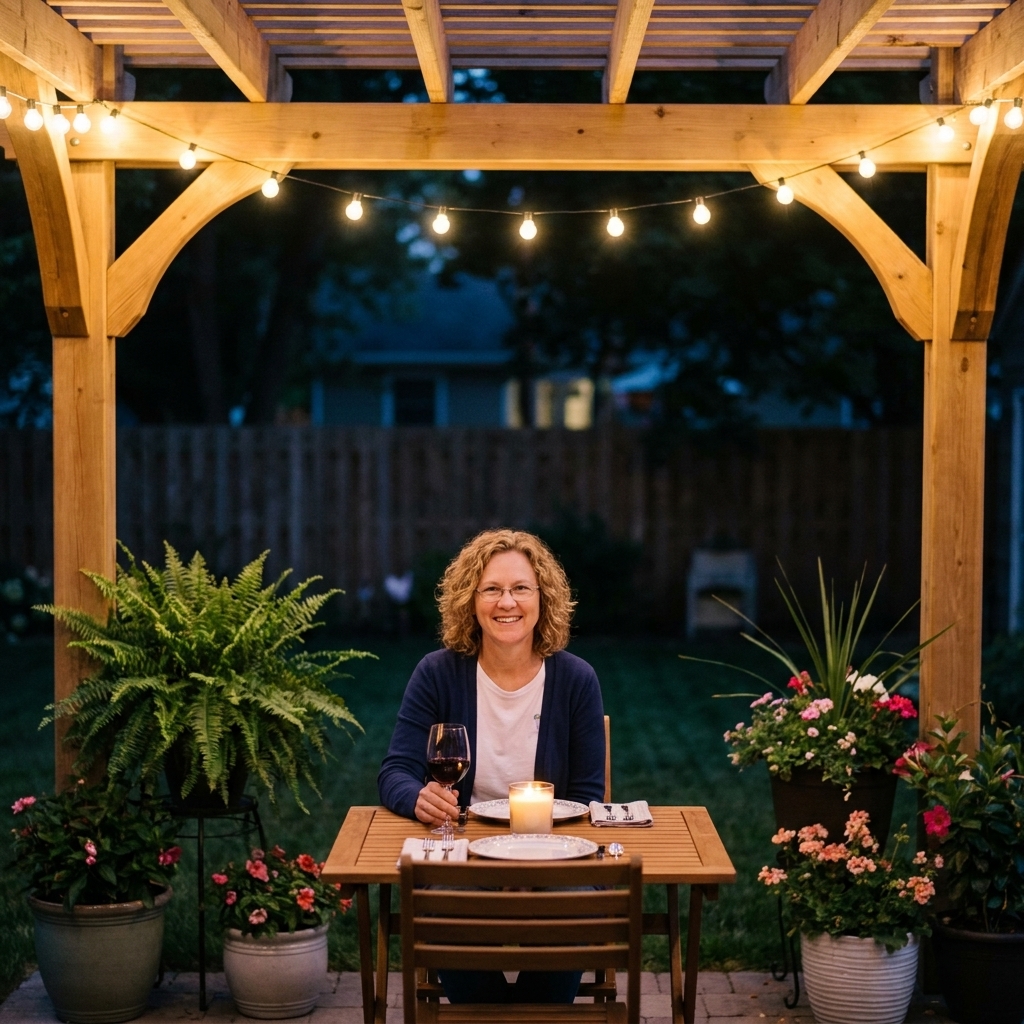
- Add a schedule. Start with sunset to 11:30 pm, then adjust for your routine.
This one change can make your patio feel finished nightly, even on weeks you do not have time to fuss with decor.
Easy automations that feel like magic
Sunset and sunrise schedules
Many major platforms and brand apps can use your location to trigger at sunset and sunrise. That means your porch can turn on at dusk all year without you constantly updating times.
I’m home and Goodnight routines
These are my most-used routines because they support real life.
- I’m home: turn on porch lights and pathway lights for 15 to 30 minutes.
- Goodnight: turn off patio string lights, dim porch light to low for 10 minutes, then off.
Motion for safety, not spotlighting
Motion-triggered lighting is wonderful for side yards and driveways. For a front porch seating area, I prefer a steady low glow plus a separate motion light aimed where you actually need it. Otherwise you end up mid-conversation in a sudden blast of light.
Vacation mode
If you travel, set porch lights to turn on and off at slightly different times each night. A predictable schedule looks automated. A gently varied routine looks lived-in.
Brightness and warmth
Brightness is usually listed in lumens, and warmth is measured in Kelvins (K). This is where you can make your porch feel cozy instead of like a parking lot.
- Porch sconces: as a starting range for typical residential porches, 450 to 800 lumens each is plenty. Scale up or down depending on mounting height, how many fixtures you have, and whether you want more security lighting.
- Warmth for relaxing: 2200K to 2700K.
- Neutral for task areas: 3000K around a grill or outdoor work table.
- One consistent tone: matching warmth across bulbs makes everything look intentional and flattering.
If you love that golden, cafe glow, look for soft white or warm white and keep the dimming feature if you can.
One neighborly bonus: warmer temps, shielded fixtures, and downward aiming help reduce glare and light spill, which keeps your space cozy and your block calmer.
Common hiccups and quick fixes
The lights go offline randomly
- Check Wi-Fi strength outdoors and consider a mesh point near an exterior wall.
- Make sure the plug is not tucked behind large metal objects, which can reduce signal.
- Update firmware in the device app if available.
The smart bulb stops working when someone flips the wall switch
This is the most common issue with smart bulbs. Smart bulbs need constant power. If people keep turning the switch off, consider:
- a smart switch instead of a smart bulb, or
- a switch guard, or
- a routine that makes the bulb behave like a normal light, so nobody feels the need to touch the switch.
Dimming flickers or buzzes
- Use a bulb labeled dimmable.
- If there is a dimmer on the wall, make sure the bulb and dimmer are compatible. In many cases, the fix is removing the traditional dimmer and using a smart dimmer switch instead.
- Try a slightly higher minimum brightness setting in the app.
The automation runs, but the mood feels off
This is usually a too bright problem. Lower brightness, warm up the color temperature, and consider turning on fewer lights at once. One warm pool of light beats five harsh ones every time.
A starter shopping list
If you are building from zero, here is a no-stress way to begin.
- One outdoor smart plug for string lights or a plug-in lantern.
- One set of outdoor-rated string lights in warm white.
- Optional: one smart bulb for your porch sconce if it is covered and compatible.
- Optional: a mesh Wi-Fi point if your signal drops outdoors.
Get those working first. Then add pathways, accents, and fancy routines later once you know what you actually use nightly.
My effortless ambiance routine
If you want one routine that makes your home feel extra welcoming with almost no tweaking, try this:
- 30 minutes before sunset: porch sconces on at 60% brightness (warm white).
- At sunset: patio string lights on at 100% for dinner and hangout time.
- At 10:30 pm: string lights to 40% (or off if they are not dimmable).
- At 11:30 pm: everything off, except a low front porch light if you like a nightlight effect.
It is cozy, consistent, and it quietly makes the whole front of your home look cared for.
FAQ
Do I need a hub for smart outdoor lighting?
Not always. Many Wi-Fi bulbs and outdoor smart plugs work without a hub. Some products use Zigbee or Z-Wave and require a hub for reliability and range. If you want the easiest start, a Wi-Fi outdoor smart plug is usually hub-free. If you want easier cross-brand compatibility, look for Matter support when it is available.
Can I use indoor smart plugs outside?
I would not. Outdoor plugs are made for moisture and temperature swings, and many are designed to work more neatly with weatherproof in-use covers. For safety and longevity, choose outdoor-rated devices.
Are smart bulbs okay in open outdoor fixtures?
Only if the bulb is rated for wet locations, and your fixture is suitable too. If the bulb will be directly exposed to rain, pick a wet-rated bulb or use a fixture designed for exposure.
What if my patio Wi-Fi is weak?
A mesh Wi-Fi system or an additional access point near an exterior wall is usually the cleanest fix. Sometimes simply moving your router higher or closer to the outdoor wall can help too.